Platform guide
A step-by-step walkthrough of the interface, from audience to replies. Screenshots are from the live workspace.
Getting started
Live Direct Marketing is a platform for permission-based B2B outreach: build an audience, write the message, warm your senders, and send through a transparent conveyor with suppression and stop-list gates. It is not a bulk spam blaster — every send passes gates.
The order is deliberate: reputation and deliverability are earned before volume, and one email is not a campaign — it is the first touch.
- Audience — add contacts (import or by hand) and put them in a contact list. Narrow and relevant beats big.
- List hygiene — verify addresses before sending. An unverified list bounces, and bounces burn your domain reputation. Step one, not an option.
- Creative — build the email, preview on a real contact, run a content check for spam triggers, and take an inbox-placement test (inbox vs spam).
- Senders — connect accounts, check DNS (mandatory). Warm-up is optional: it raises limits, but the platform does not do it for you and it is often unnecessary.
- Send by measurement — send small and read inbox placement per provider. Spam? Swap the relay first; if that does not help, fix the creative or lower volume.
- Campaign — create it, pour the clean list, screen, render, check readiness, and send (the first as a single message).
- Follow-up — enrol non-responders into a sequence: most replies come from the 2nd–4th touch.
- Reply handling — dialogs, classify replies, create leads.
💡 Always make the first send a single message and confirm it landed in the inbox (not just "sent") before scaling.
⛔ The three things that most often wreck a campaign: an unverified list, sending blind without placement checks, and a "one-shot" with no follow-up. The steps above close all three.
Dashboard — the big picture
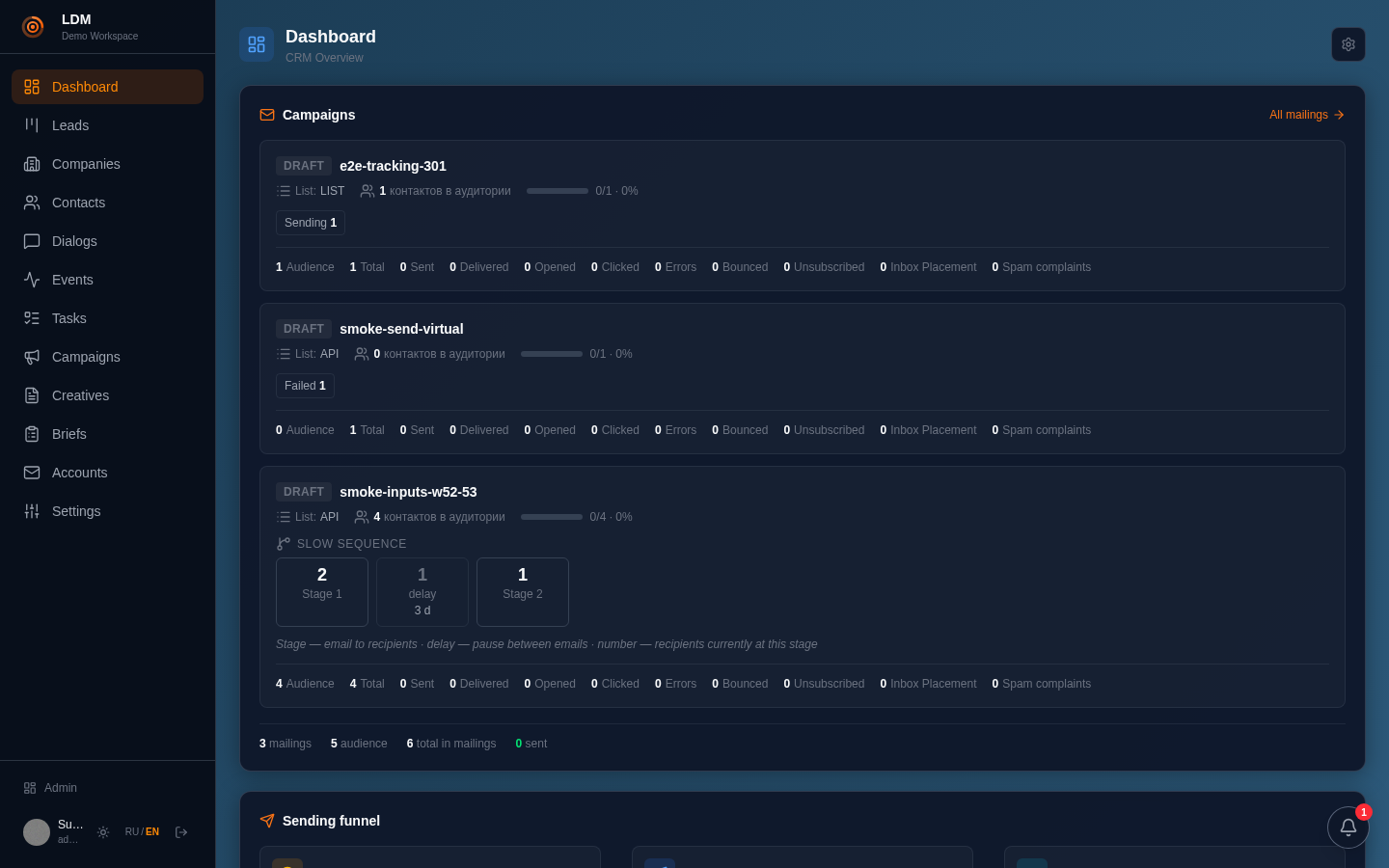
The dashboard is your home screen. At the top — active campaigns with their status (draft, sending, error) and metrics: audience, sent, delivered, opened, clicked, errors, bounces, unsubscribes, complaints.
Below — the send funnel: how many recipients sit at each conveyor stage. This is the first place to look to see where things are stuck.
Contacts & companies
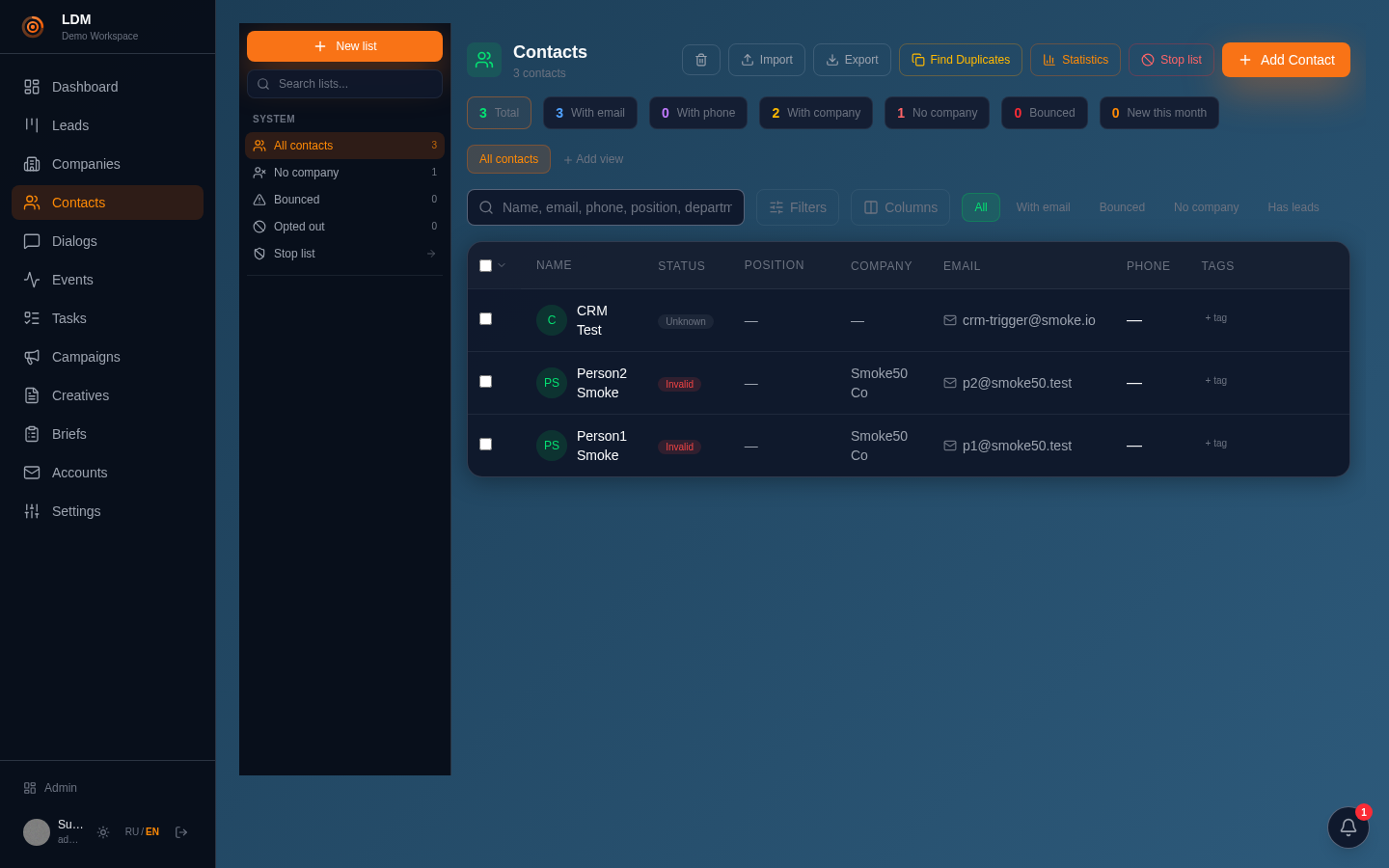
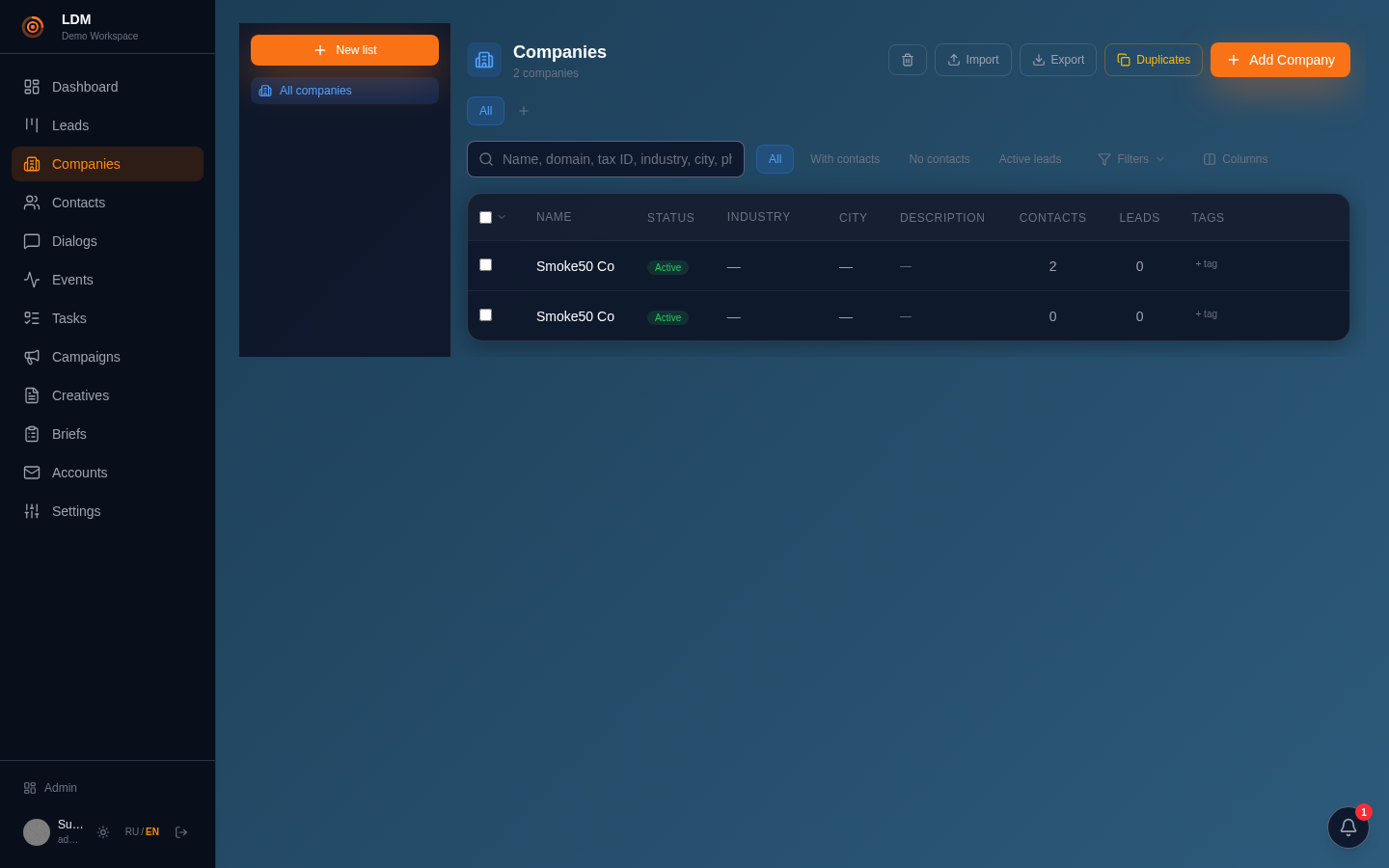
A contact is a person. A key model detail: email and phone are channels on the contact, not plain fields. One person can have several channels.
Companies and contacts can be imported in bulk (preview the mapping first, then start), deduplicated and enriched. Company dedup is by domain or tax id (INN) — never by name (different legal entities can share a name).
To make a contact sendable in a campaign, add it to a contact list — see the next section.
Lists — the audience for a campaign
A list is how you hand an audience to a campaign. A campaign pours from the static membership of a contact list.
- Smart-filter lists are not expanded on pour — only the static membership is taken.
- You cannot pour a campaign directly from a company list — first gather those companies' contacts into a contact list.
Order: create a list → add contacts → reference that list when you pour the campaign.
Creatives — the message itself
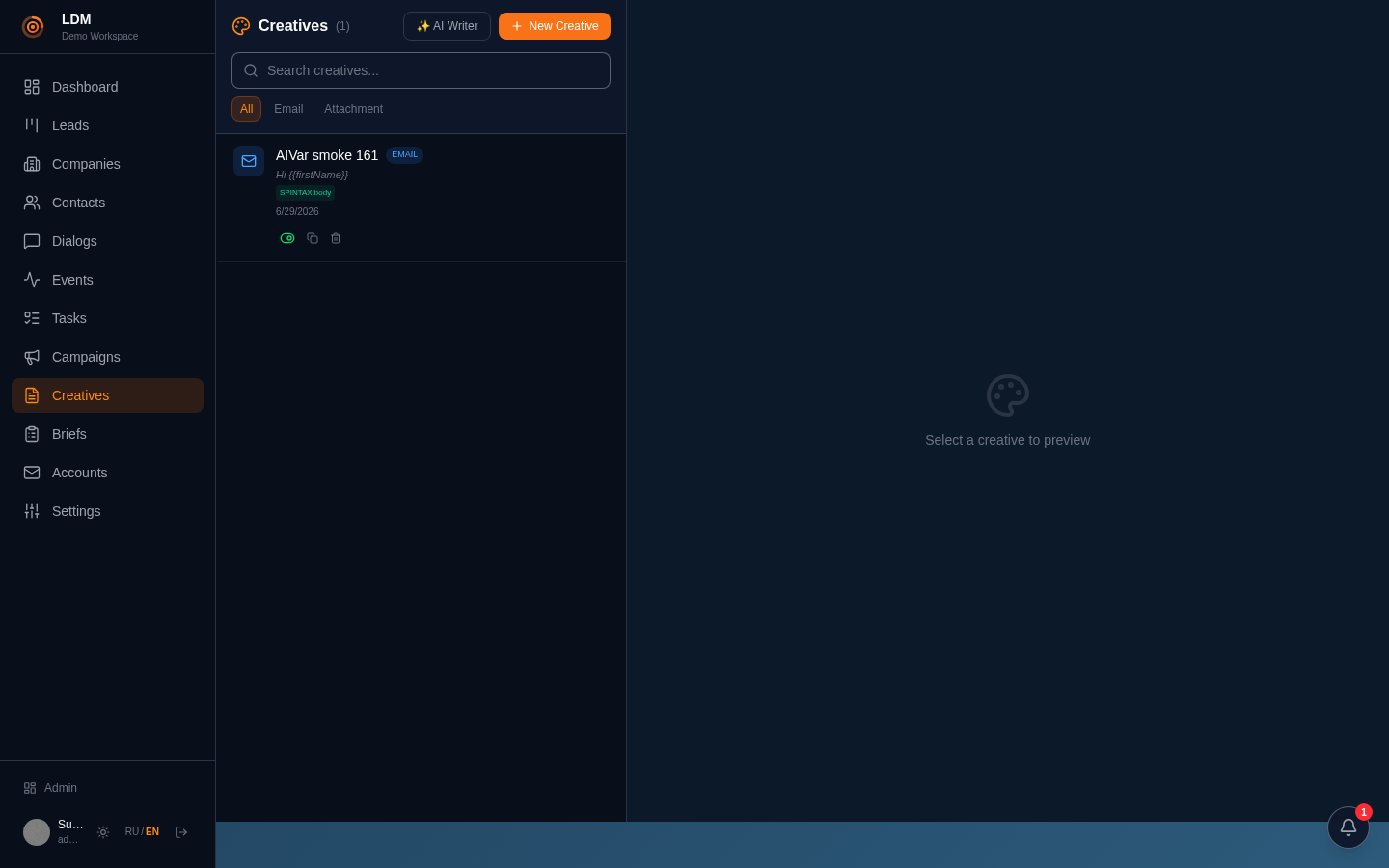
A creative is the email. Simple creatives are a template with variables and spintax; Autopilot creatives generate per-contact variants through a template bank, QC and a sandbox.
Before wiring a creative into a campaign: preview on a real contact → content check for spam triggers (junk words, heavy HTML, too many links hurt placement) → inbox-placement test to see where it actually lands. Cheap insurance.
Short, specific, one clear ask beats a feature dump. Available merge variables (name, company, role) are shown right in the editor; rules, QC and the meta-prompt are stored as settings (JSON) and edited through the rules UI.
Email accounts & deliverability
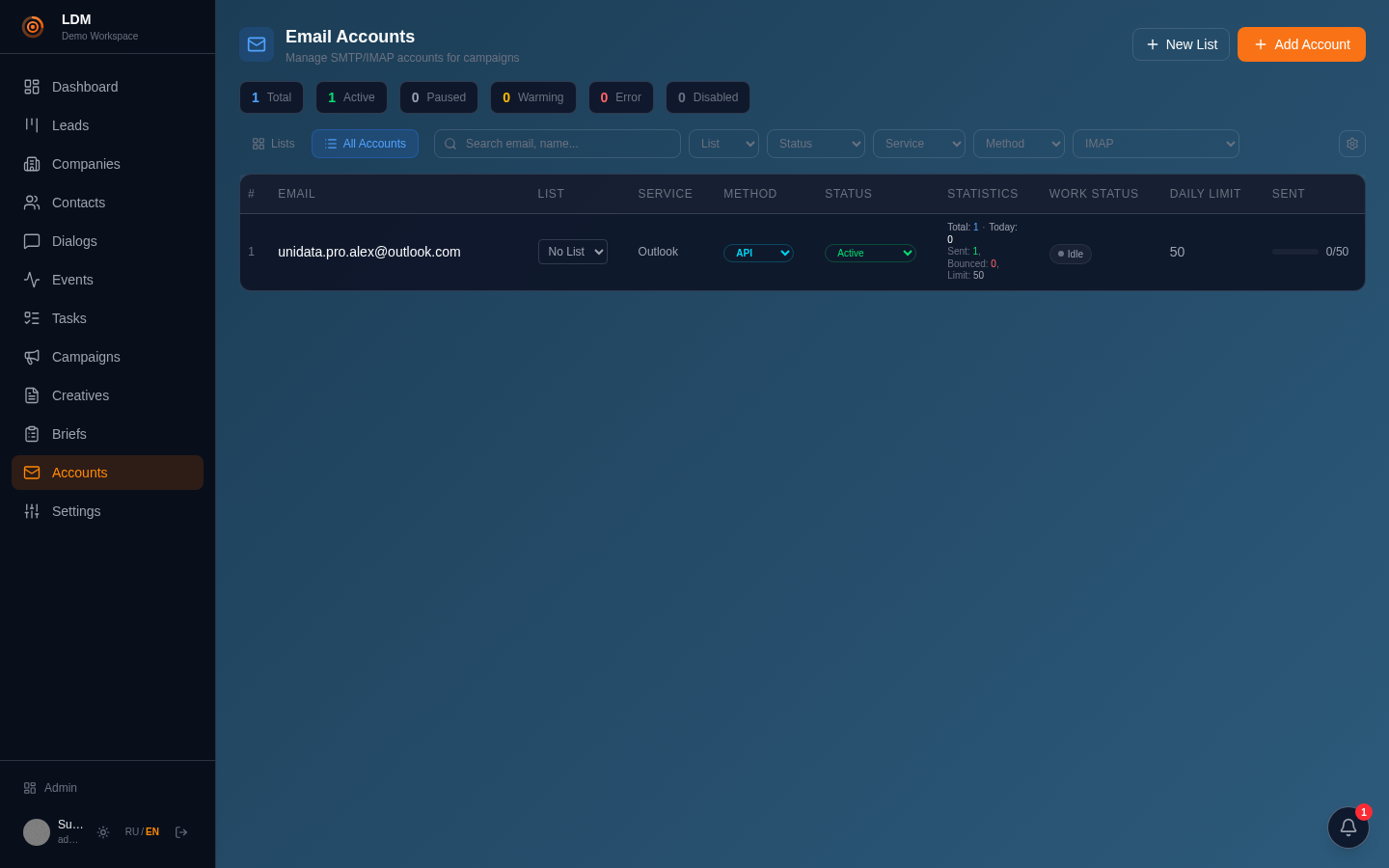
Email accounts are your senders. Their health decides whether you land in the inbox or in spam.
- DNS check (SPF/DKIM/DMARC) — before the first send.
- Connection test — confirm SMTP/IMAP actually connect.
- Warm-up — a fresh mailbox must be warmed before volume.
- Relay-pool health — which accounts are eligible, who is starving.
DNS check is mandatory; warm-up is not. What actually decides inbox vs spam is measured inbox placement per provider — not a "warm-up score".
Two honest paths, your choice: (a) warm-up — raises limits over weeks, but it is essentially a manipulation of provider signals, and the platform does not do it for you; (b) no warm-up — send small and read placement per provider. Spam on a provider → swap the relay first (leave the rest of the pool alone) and re-measure; still spam on another relay → it is the creative or the volume, so fix the copy or send less. The provider tells you what is wrong.
💡 Landing in spam is a signal, not a failure: change one variable at a time (relay → creative → volume). Lowering volume is as honest a response as warming more.
Campaigns — the send conveyor
A campaign is a conveyor. Recipients move through stages: NEW → SCREENED → READY → sent. Each stage is a separate step so you can inspect and gate between them.
- Create the campaign (attach a creative pool and routing).
- Pour recipients from a contact list — you must specify the list.
- Screen — suppression and stop-list gate.
- Prepare — render the creative in batches until nothing remains.
- Send readiness — a dry run of every gate, nothing is sent.
- Send — the first as a single message, verify, then scale.
⛔ Pouring with an empty selection pours your entire database. Always specify a concrete contact list.
Dialogs — replies & inbox
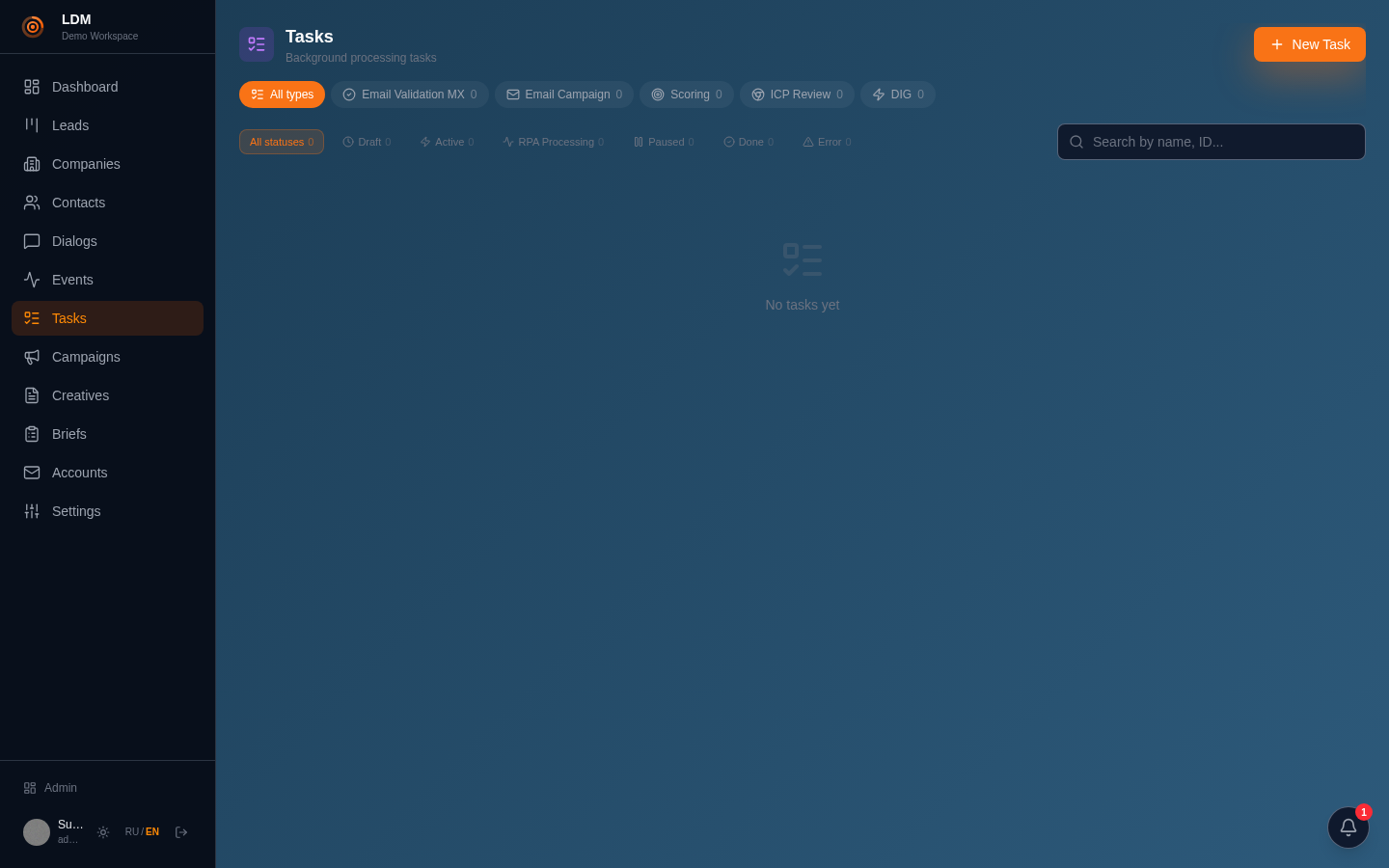
Dialogs are the two-way inbox: replies threaded with your sends. This is where outreach turns into conversations and leads.
A reply can be classified by AI, you can generate a draft reply and send it, and a promising dialog can become a lead in one action.
Leads & pipelines
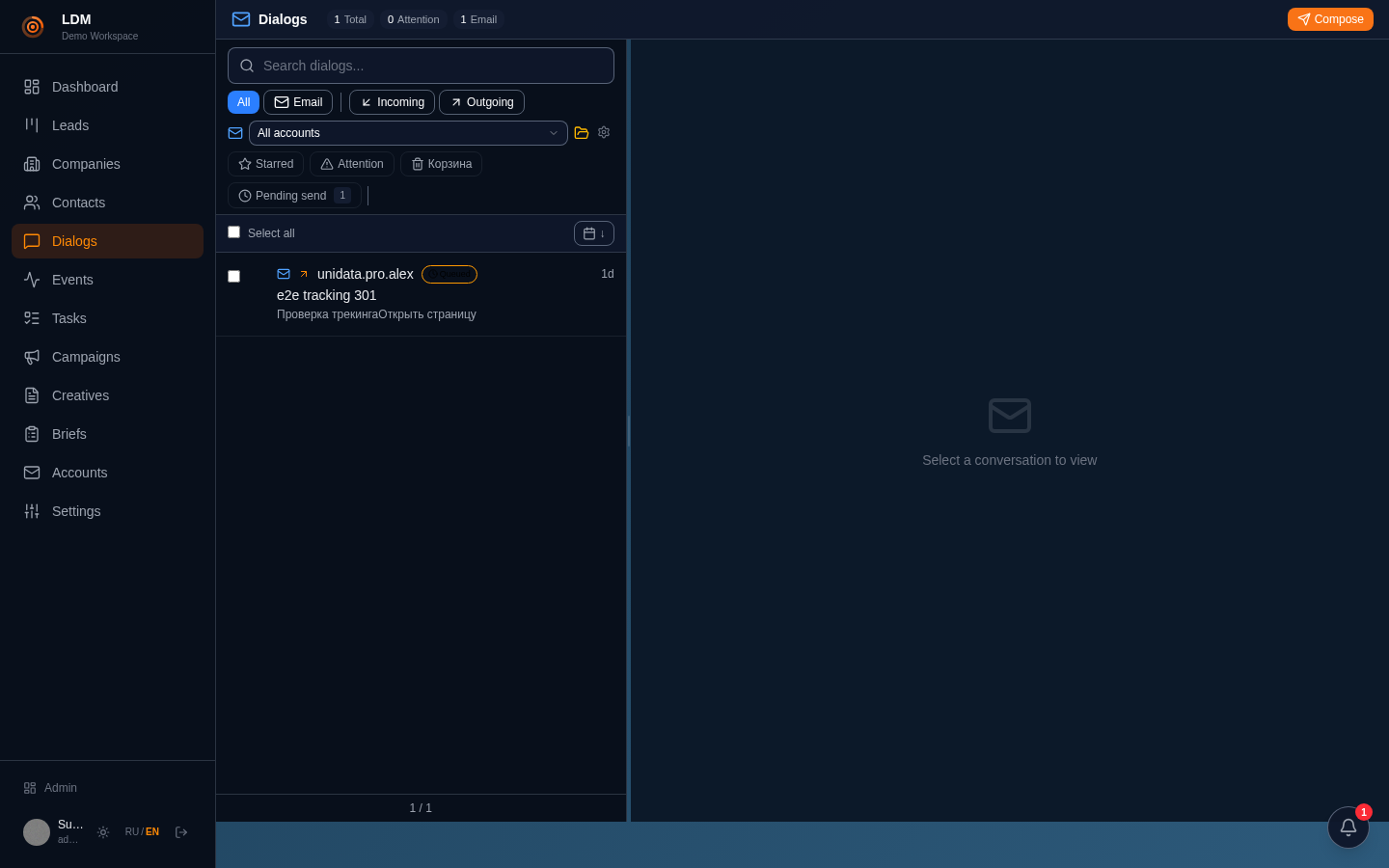
A lead is a deal moving through a pipeline of stages. Replies from outreach become leads; stages can carry automations.
The kanban shows the whole pipeline; you can move a lead between stages, open its dossier (company + contact + activity) and the deal forecast.
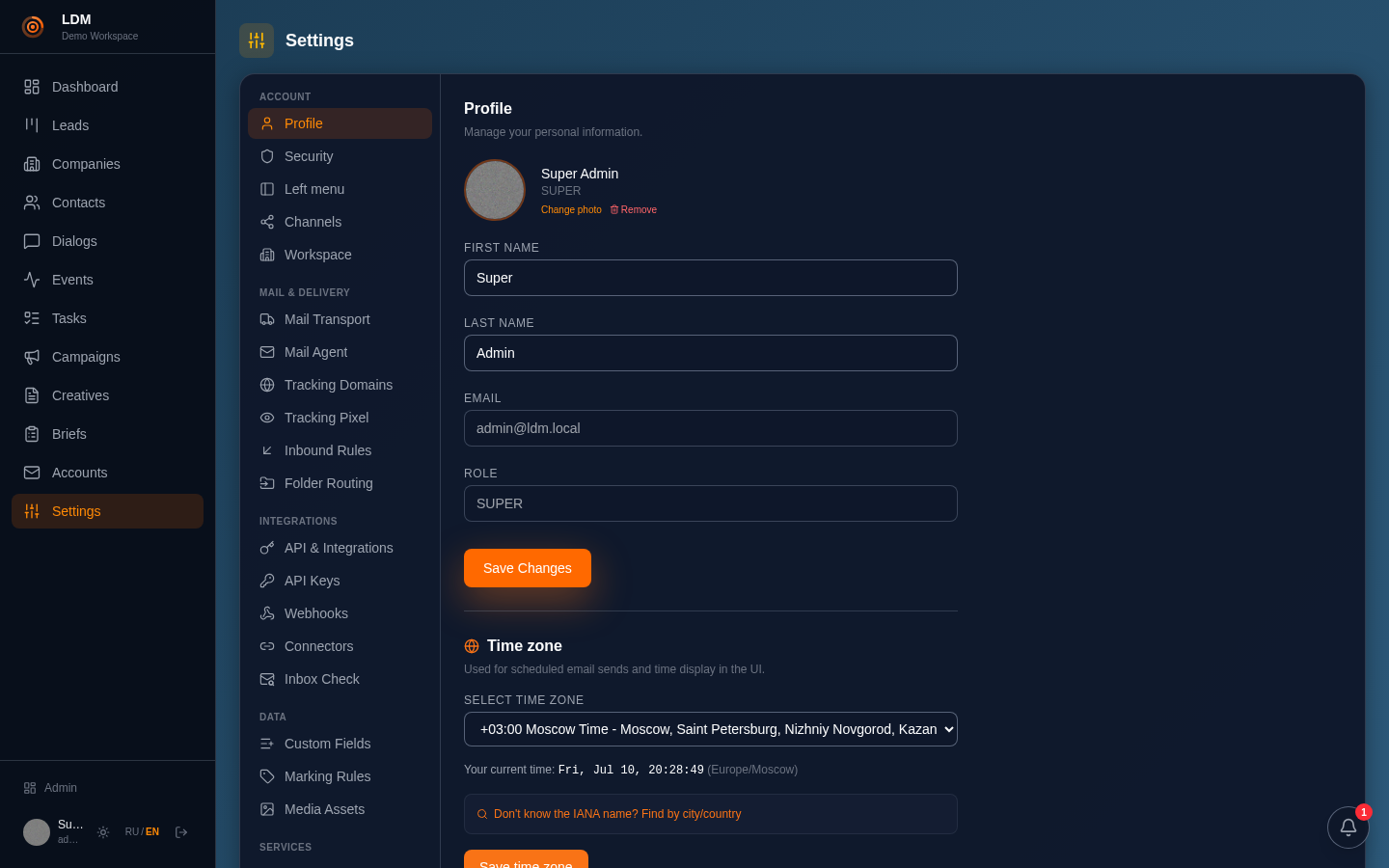
Settings
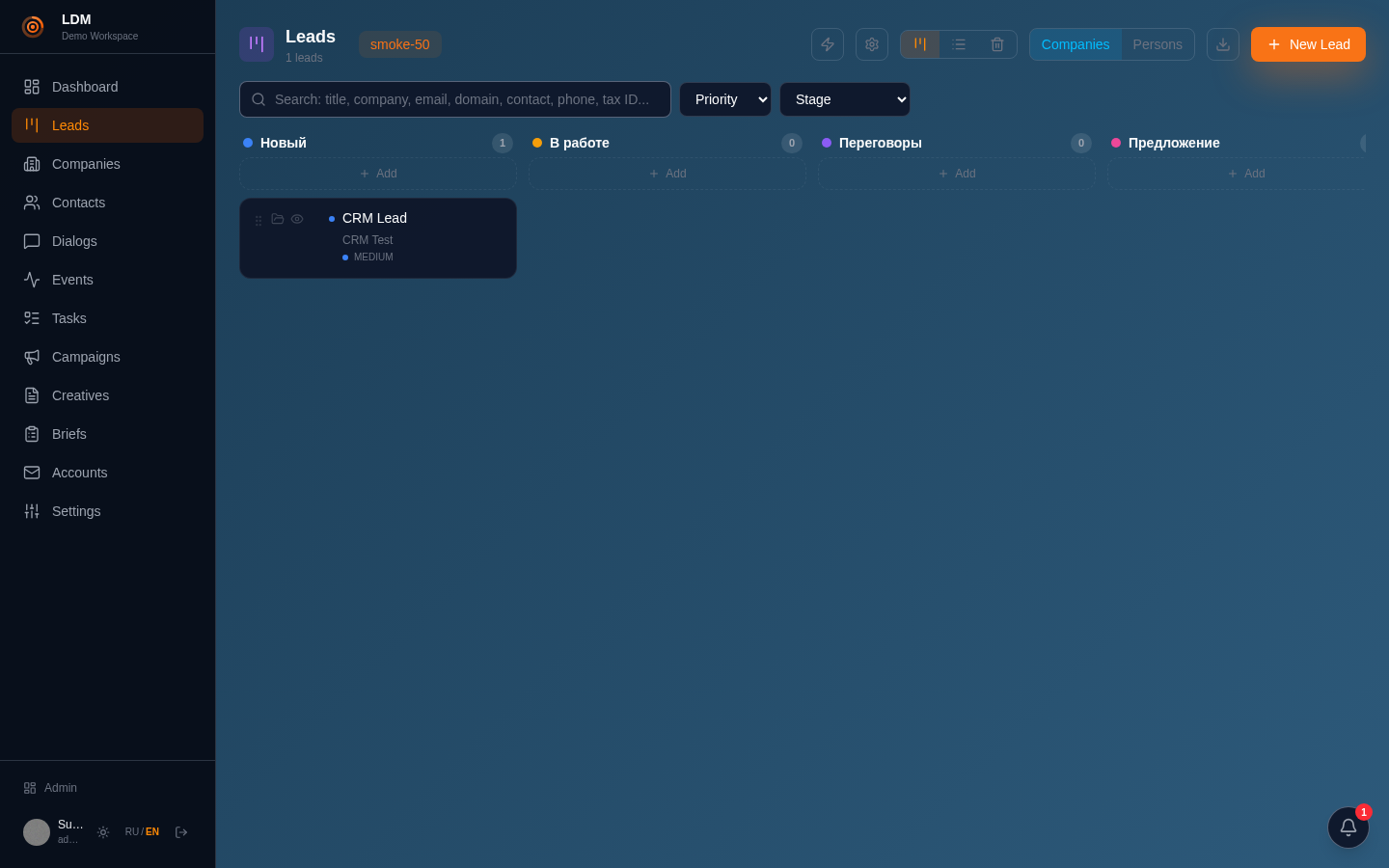
Tenant settings: profile, default language, send window, integrations, API keys. The interface language (RU/EN) is switched here too.
API keys (ldm_*) are minted here — one key works for REST, MCP and A2A alike.
For AI agents: MCP
The platform is built to be driven by AI agents: any MCP-compatible client (Claude Desktop, Cursor, etc.) talks to it as a set of tools.
What is special: the platform answers an agent like a market expert, not as a bare API. Every response carries an _expert block with a next-step hint, the typical flow and the pitfalls — the model is led through the platform by the hand.
The capability map and the recommended end-to-end flow live at /api/v1/agent-guide. Mint a key in Settings → API Keys.